

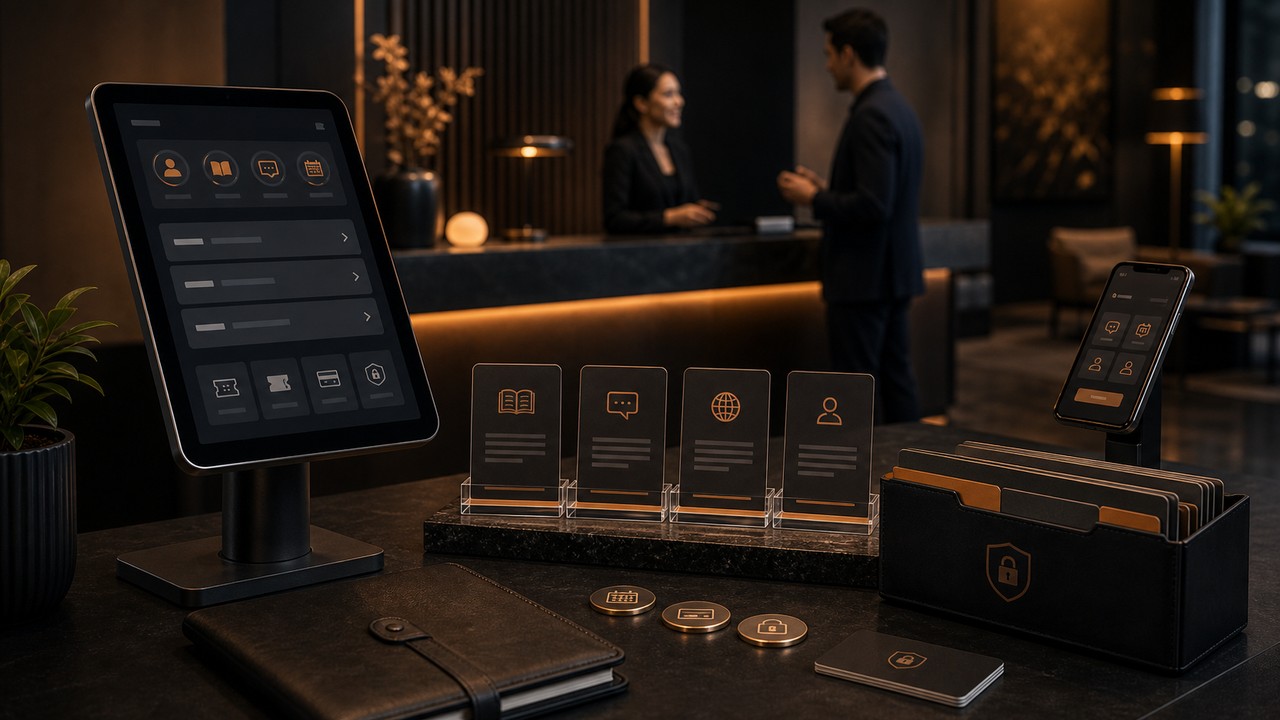
Customer experience is increasingly won after the first click. A prospect fills out a form, a customer asks for help, a client needs documents, a buyer wants to book a service, or an account needs to pay an invoice. If every step requires email back-and-forth, the business feels slower than it actually is.
That is why self-service customer portal, secure client portal, knowledge base, customer support portal, booking portal, payment portal, and CRM customer portal are high-intent keywords today. They come from companies that are ready to reduce support load, improve retention, and create a more professional digital experience.
Why Portals Are Becoming A Growth Asset
Customer service has always been about solving problems, but the way businesses deliver service keeps evolving. TechRadar?s Zendesk coverage framed AI and self-service as another layer in that evolution, alongside earlier shifts such as telephone support and online helpdesks. Recent research on large-scale customer support AI agents also shows how structured context, evaluation, and self-service workflows can improve support outcomes at scale.
For most businesses, the first step is not a fully autonomous support system. It is a well-designed portal where customers can find answers, submit requests, manage documents, track progress, book services, pay invoices, and see the status of their relationship with the company.
The High-Intent Keyword Opportunity
Portal-related searches are commercially valuable because they usually come from businesses with a clear operational pain:
- Secure client portal: document sharing, account access, private communication, client onboarding.
- Customer support portal: ticket submission, ticket tracking, help center, support workflows.
- Knowledge base: FAQs, troubleshooting, service guides, searchable support content.
- Booking portal: appointment scheduling, consultation requests, service availability, reminders.
- Payment portal: invoice payments, subscription management, receipts, account billing.
- CRM customer portal: customer records, case history, lifecycle status, personalized support.
What A Strong Customer Portal Should Do
A portal should not be a static login page. It should solve real customer and team problems. The best portals reduce repetitive work while making the company feel more responsive and organized.
Make Information Easy To Find
Customers should be able to search help articles, view service details, access documents, check account status, and understand next steps without waiting for a manual reply.
Connect To CRM
A portal becomes more powerful when it syncs with CRM. Support requests, form answers, bookings, payment status, account notes, and service history should update the customer record.
Protect Sensitive Data
Secure portals need proper authentication, permissions, audit trails, encrypted data handling, role-based access, and clear boundaries around what each user can see.
Reduce Support Friction
Ticket forms, guided support flows, document upload steps, status notifications, and automated confirmations can reduce the number of repetitive emails and calls.
Where Businesses Get Portals Wrong
Some portals fail because they are built as isolated add-ons. They do not connect to CRM, do not update support teams, do not include useful knowledge content, and do not match the rest of the website experience. Customers log in once, get frustrated, and go back to email.
A professional portal should feel like part of the company?s service model. It should be fast, mobile-friendly, secure, easy to navigate, and connected to the workflows behind the scenes.
How Nexlla Builds Portals That Improve Engagement
Nexlla helps businesses design and develop secure customer portals, client portals, booking portals, payment portals, knowledge-base systems, support workflows, and CRM-connected web applications. That includes user experience design, authentication, permissions, data structure, automation, dashboards, notifications, and integration with existing business systems.
The result is a better experience for customers and a cleaner operating model for teams. Customers get answers faster, teams reduce manual follow-up, and leadership gets better visibility into service quality and customer engagement.
The Nexlla Takeaway
Self-service portals are not only support tools. They are trust tools. They show customers that the business is organized, responsive, secure, and ready to serve them at the moment they need help.
For companies investing in customer experience, CRM, custom web applications, or digital transformation, a secure portal can turn service from a cost center into a retention and growth advantage.
Discussion
Join the conversation
Comments are moderated. We approve everything that's on-topic.
Leave a reply